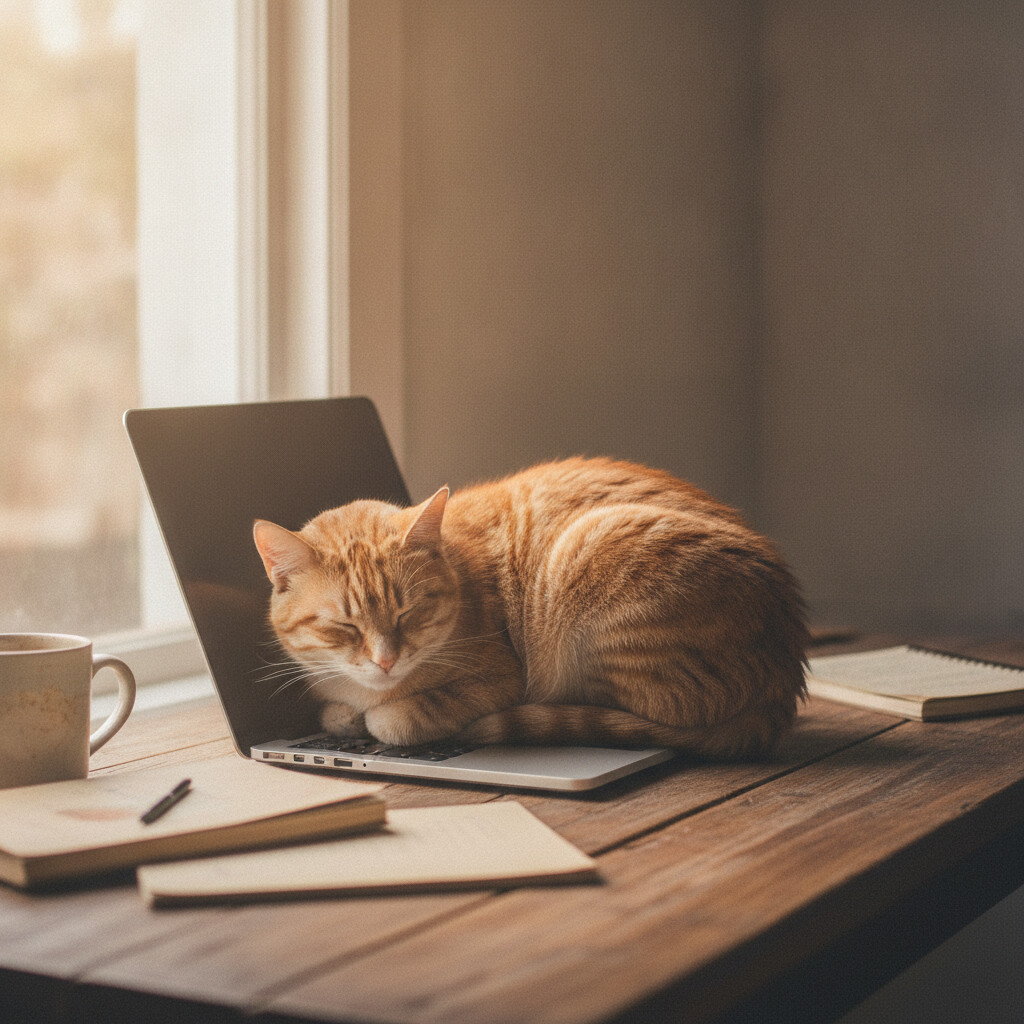
Cats sit on laptops and keyboards for three overlapping reasons: the machine is warm, it’s where you are, and you’ve made it the most interesting object in the room by paying it so much attention. Here’s how to tell which one is driving your cat, and how to get your workspace back.
The short answer
Most of the time it’s a mix of heat and attention. Cats are comfortable at a higher ambient temperature than people are; the thermoneutral zone commonly cited in feline physiology sits at roughly 86-100°F (30-38°C), well above what most homes are set to. A laptop that runs warm is a heated pad with a screen on it.
The attention part is just as real. Cats learn quickly that when you sit at a laptop, you stop moving and start ignoring them. Sitting on the keyboard reverses that in about one second. If it gets a reaction, even a scolding, it worked, and behaviourists generally note that any reaction can reinforce the behaviour.
Why cats choose laptops
Warmth
Cats seek out heat sources all day: sunbeams, radiators, the top of the fridge, freshly dried laundry. A laptop’s vents and base are a small, steady heat source, and a cat can curl right on it. If your cat only does this in cooler months, that’s a strong clue.
Your scent and your attention
A laptop is covered in your scent from your hands and, indirectly, from you. Sitting on it lets your cat mix their scent with yours, which is part of how cats maintain a shared “group scent” in a household. It also puts them exactly where your hands and eyes are.
A flat, defined surface
Cats like a clearly bounded spot, which is the same appeal behind why cats sit in boxes. A laptop or a sheet of paper on a desk marks off a small territory with a clear edge.
A good vantage point
Desks are often near windows and off the floor, which suits a species that prefers to survey its surroundings from up high.
Is this a sign of a problem?
Usually not. A cat who wants to be near you while you work is showing social bonding, much like the behaviours in our piece on why cats pick a favorite person.
It’s worth a second look if the behaviour is new and intense, or if it comes with other changes. Persistent attention-seeking can sometimes reflect boredom or too little play (see signs of understimulation), and a cat who suddenly seeks out heat more than usual can, in older cats, occasionally be related to a health issue. If you notice changes in appetite, weight, thirst or energy alongside the new habit, mention it to your vet.
How to get your keyboard back
You don’t have to choose between a working laptop and a happy cat. These approaches tend to work:
- Give them a better warm spot next to you. A heated cat bed or a padded shelf at desk height gives the same benefits. If you go with a heated product, choose one designed for pets with a chew-resistant cord and automatic temperature limits. Our guide to heated cat beds covers what to look for.
- Put it where the laptop was. A cat perch or a soft blanket on the desk edge places them within reach so you can pet them between emails.
- Reward the alternative. When your cat settles on the bed rather than the keyboard, quietly give a treat or a slow head scratch. Do this consistently for a couple of weeks.
- Play before work. Ten minutes of wand-toy play, ending with a small meal, uses up energy and often leads to a nap. Cats are naturally most active around dawn and dusk, so timing matters.
- Don’t react to keyboard sitting. Pushing the cat off, talking to them, or laughing all count as attention. Calmly lift them to their bed each time without eye contact or conversation.
- Make the keyboard less appealing. A laptop stand that lifts the machine, or simply closing the lid when you step away, removes the flat warm surface. Some people use a lap desk that elevates the screen so a cat can’t easily reach the keys.
Safety points worth knowing
- Overheating. Cats covering the vents can raise the laptop’s temperature and reduce airflow. If the fan sounds louder when your cat is on it, move the cat.
- Accidental commands. Cats can send half-written emails, delete files or change settings. Save your work often.
- Cables. Chewing on charger cords is a genuine hazard for some cats. Use cord covers and keep cables tucked away.
When to see a vet
Sitting on a laptop is normal on its own. Contact your vet if the behaviour appears alongside any of these:
- A sudden change in appetite, drinking or litter box habits
- Weight loss, or a cat who feels bony
- Unusual restlessness, vocalising or clinginess in an older cat
- Seeking heat obsessively while lethargic or hiding otherwise
If you don’t have a vet you trust, our guide to finding a good vet is a useful starting point.
The takeaway
A cat on your keyboard is asking for warmth, contact, or both. Offer a comfortable warm spot next to your workspace, keep your reactions boring, and make time for play. Most cats redirect within a couple of weeks of consistent handling.